
Ingest Sharing
Sharing ingests among other IRLToolkit Cloud OBS users
IRLToolkit Ingest Sharing
Sharing ingests is a feature exclusive to IRLToolkit Cloud OBS subscribers.
It allows you to share a "clean feed" copy of your ingest, without the overlays added by your OBS Remote. The recipient(s) of the shared ingest will gain a new scene button on their irl.run dashboard allowing them to switch to your ingest feed.
To get started, first open your irl.run Ingests page 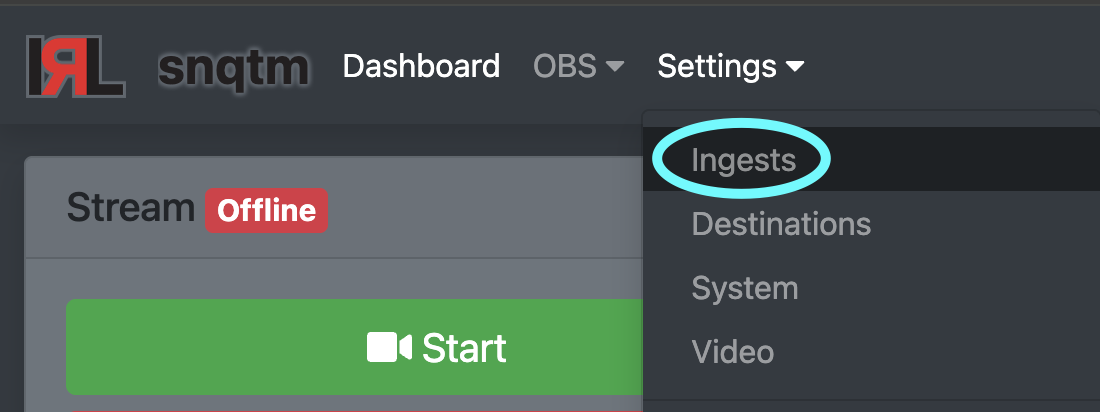
Scroll down to the bottom to find your Share Token 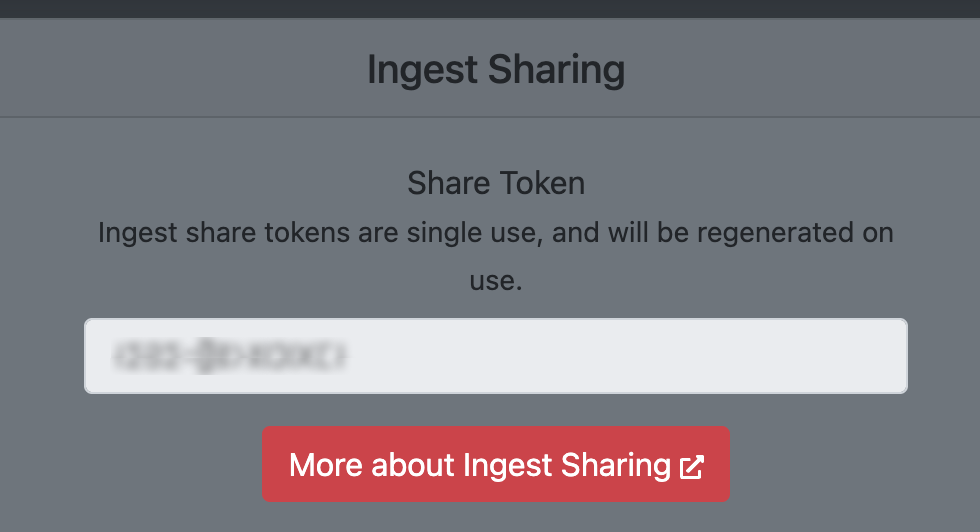
Attention:
Note that each token is single-use and you will need to refresh this page for a new token after each request.
Info:
Each use of the ingest share process will require two share tokens.
One token from the source dashboard (sharing its ingests),
and one token from the destination dashboard (receiving the shared ingests)
Please coordinate with the person you are sharing ingests with in order to receive these tokens.
Ingest Share Bot
To initiate the sharing process, you will need to join the IRLToolkit Discord and message the Ingest Share Bot
You can find the Ingest Share Bot either in the member list or tagged in the #support channel. 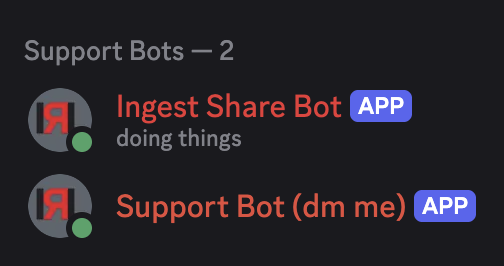

Typing in the following command /ingest share should show this command structure with input fields for source and destination share tokens. 
Paste the share token from your irl.run Ingest Page into the appropriate field.
- If you are sharing your ingests, paste it into the
sourcefield. - If you are receiving shared ingests, paste it into the
destinationfield.
Example

Once both share tokens are validated, you will see the bot reply with a selection menu similar to this: 
Click on the menu and select up to 3 ingests to be shared from the source dashboard 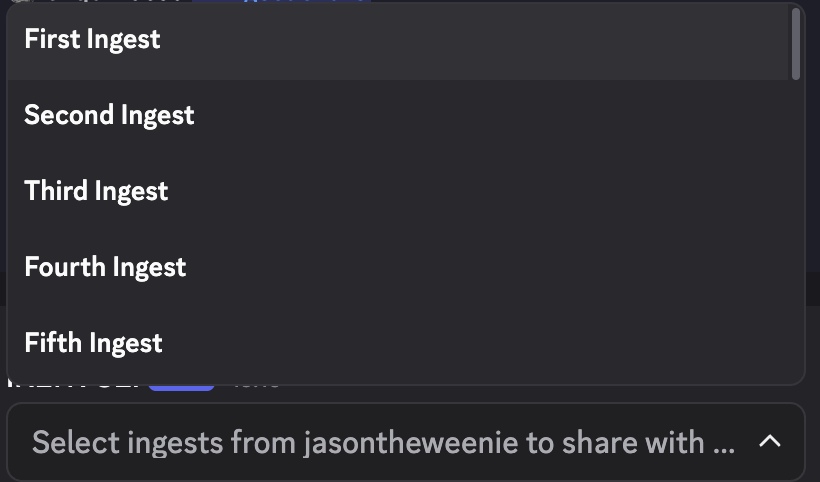
After making your selection, click outside the menu and the bot will attempt to share the ingests and show you a status report 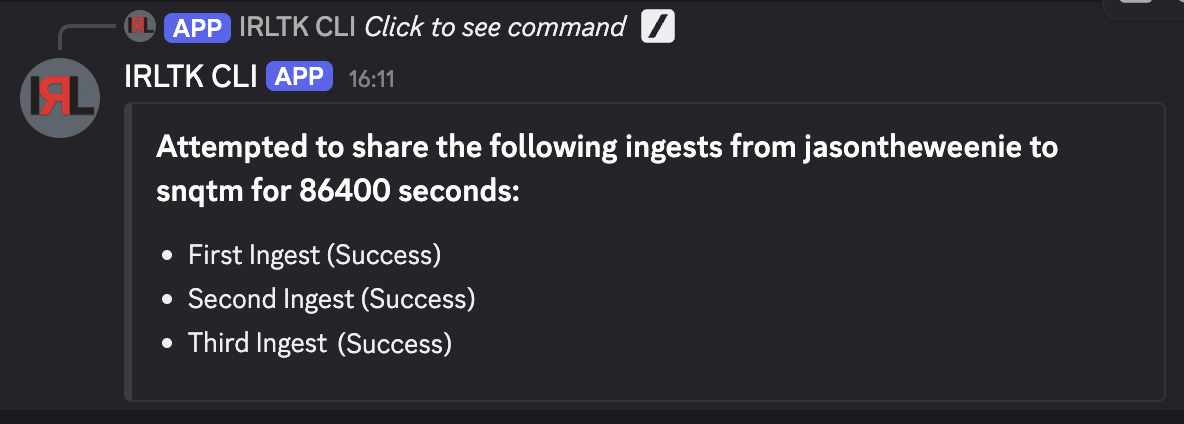
Duration Selection
Ingests are shared for 24 hours, by default.
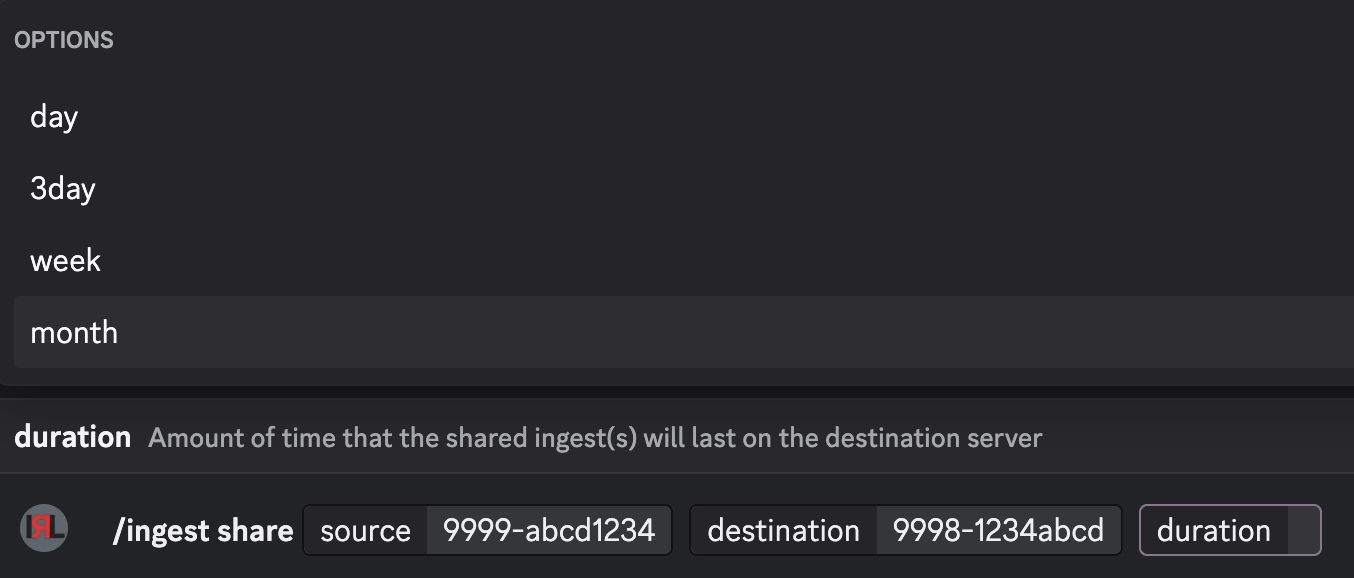
The /ingest share command has an optional duration parameter that allows you to share for longer periods of time, up to one month.
Attention:
You must select a duration from the options provided.
Troubleshooting
Possible error messages you might come across
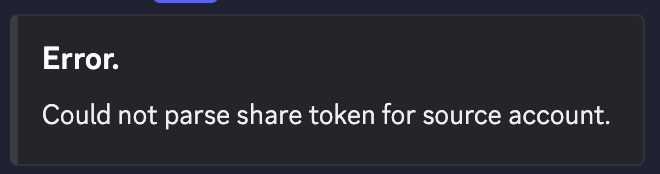
Could not parse share token for _____
The input was invalid, check that you copied the share token correctly and try again.
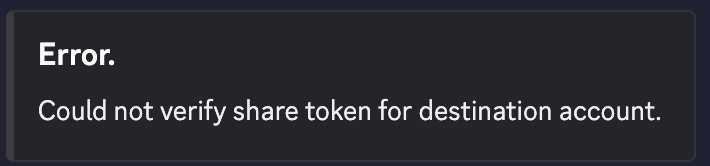
Could not verify share token for _____
The share token has likely been used already and expired. Refresh the irl.run Ingests page to fetch a new token.